

For gyms and studios
Run the day, keep your members, coach the floor.
Traivo runs a gym or studio’s day and its coaching on one system: classes and appointments on a schedule, booking with waitlists, a front desk and check-in kiosk, memberships, leads and messages to members - and the programs, food and check-ins your trainers coach between sessions. Switch on the parts your gym uses.
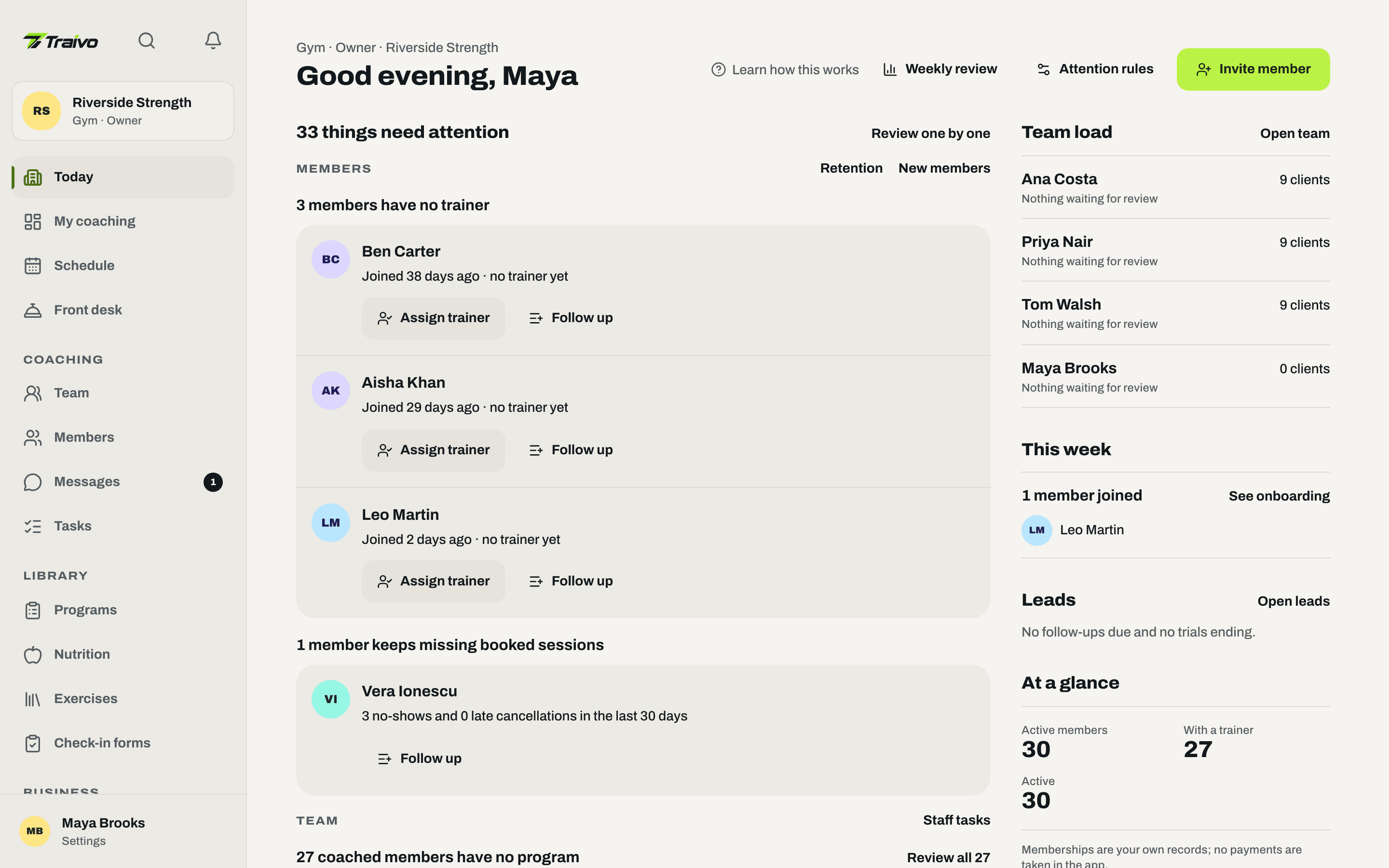
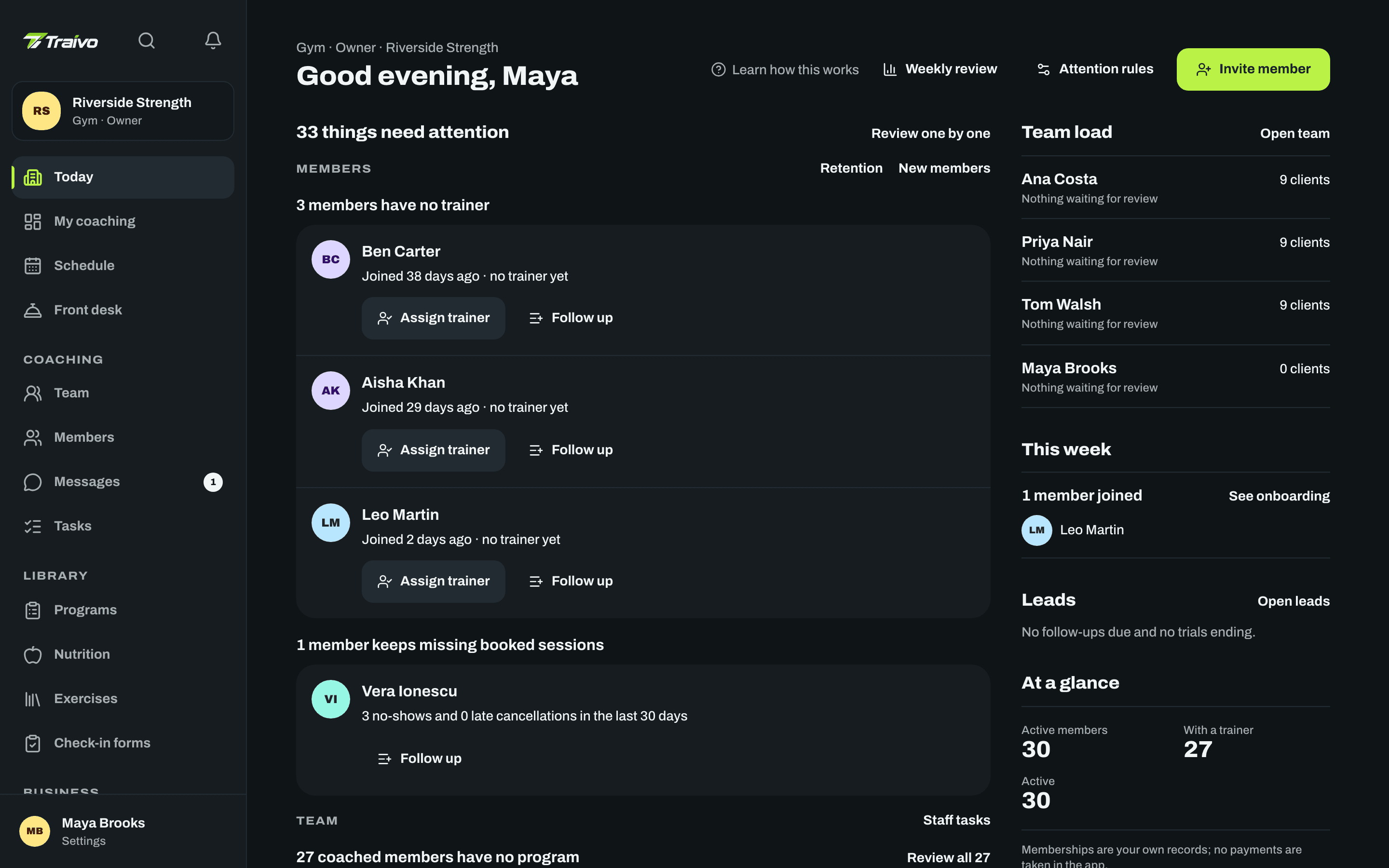
Shown with demo data.
Run the day
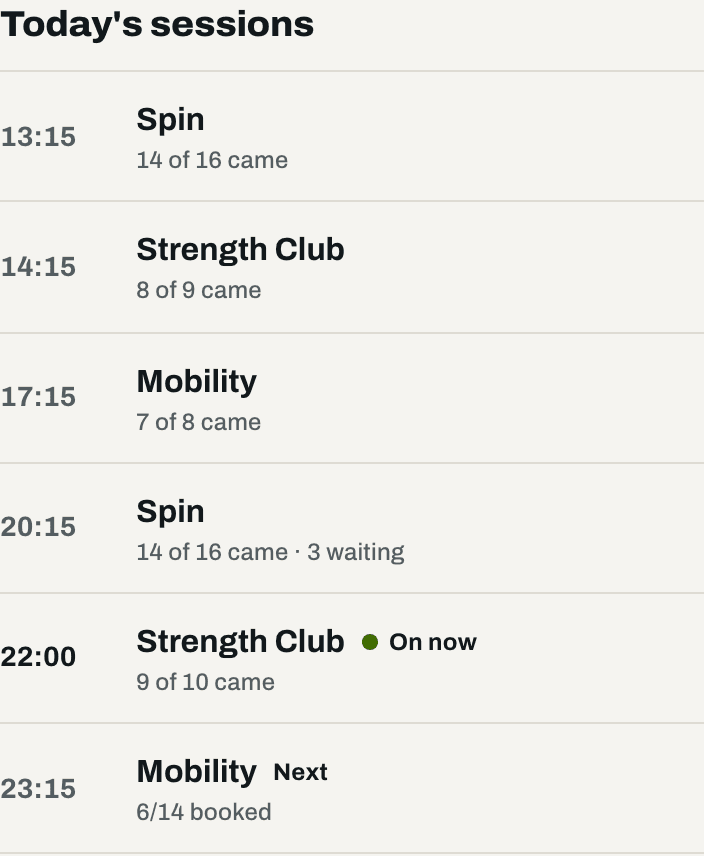
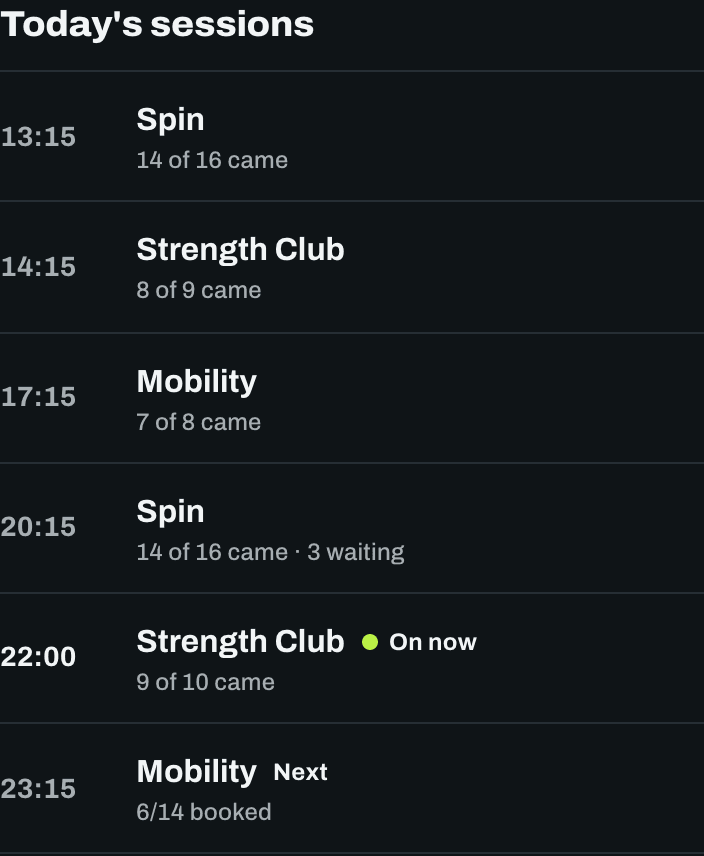
Classes and sessions, who booked, who came. Each part is a module: switch off what your gym does not use, and it disappears for staff and members alike.
- A schedule for classes and appointments
- Put classes and one-to-one sessions on the schedule, change one session or a whole series, and see who needs cover. More than one location, if you have them.
- Booking, with a waitlist
- Members book in their app, or your staff book them in. When a class is full, the waitlist fills a freed place and tells the person. You set when booking opens and what counts as a late cancellation.
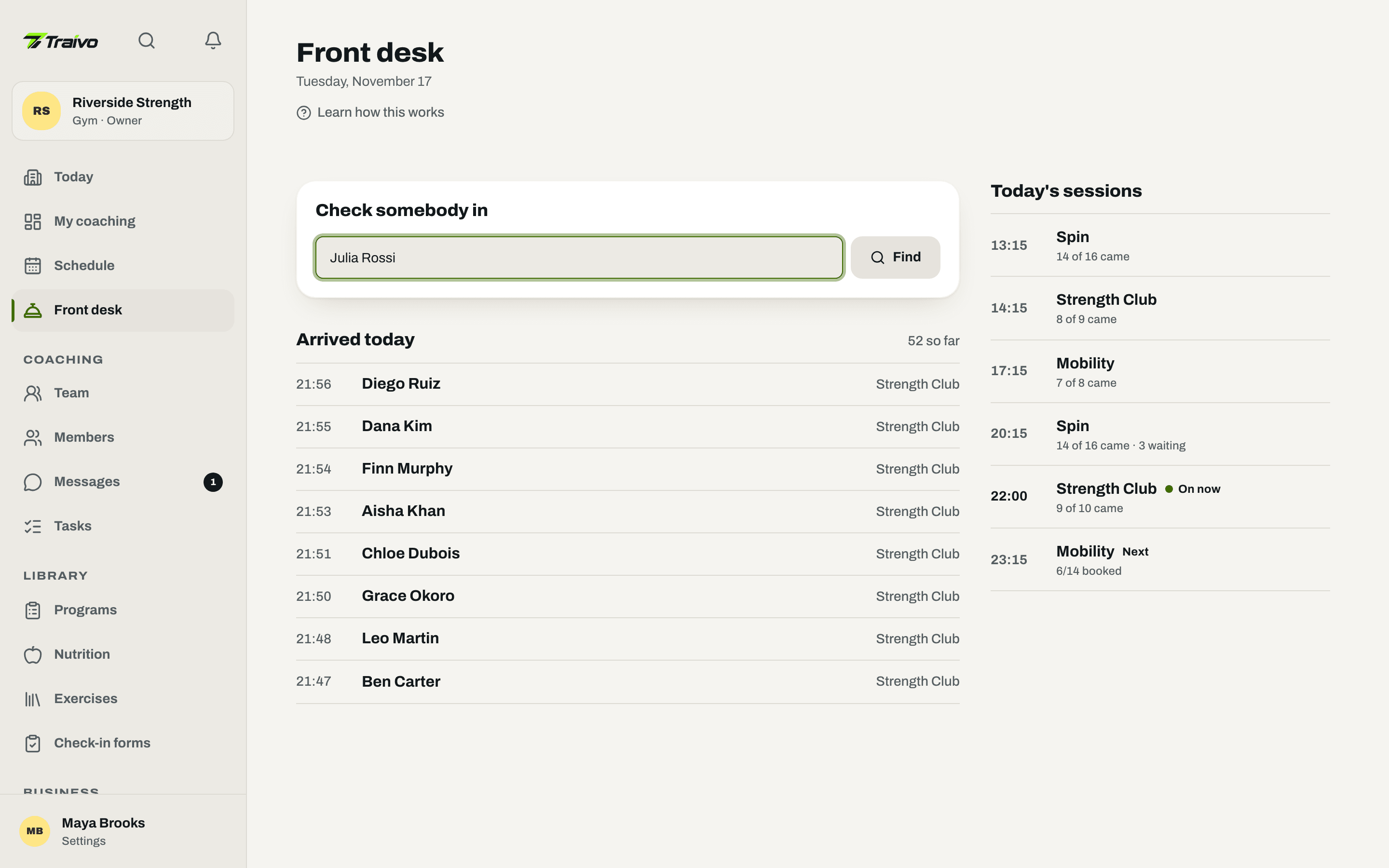
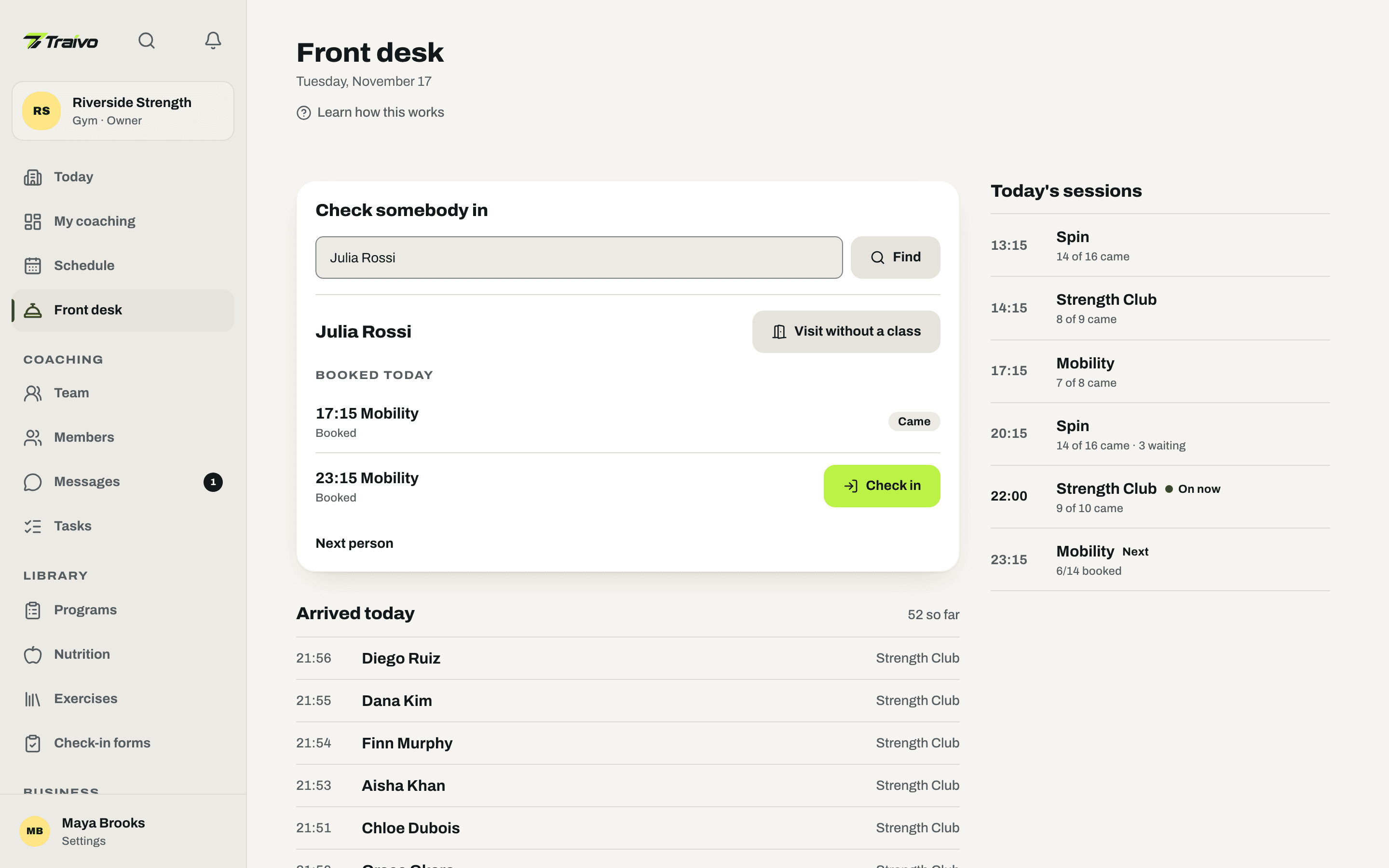
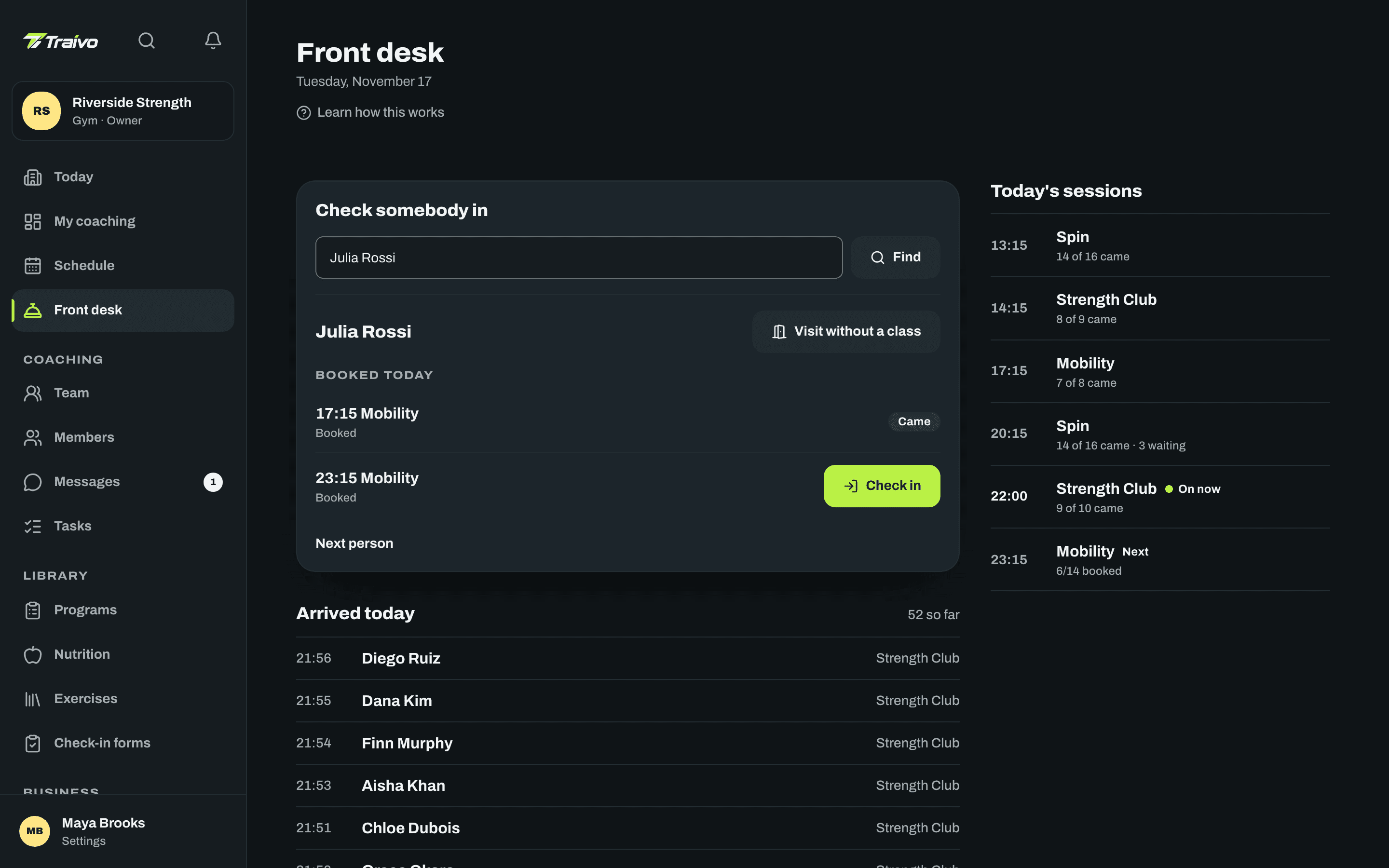
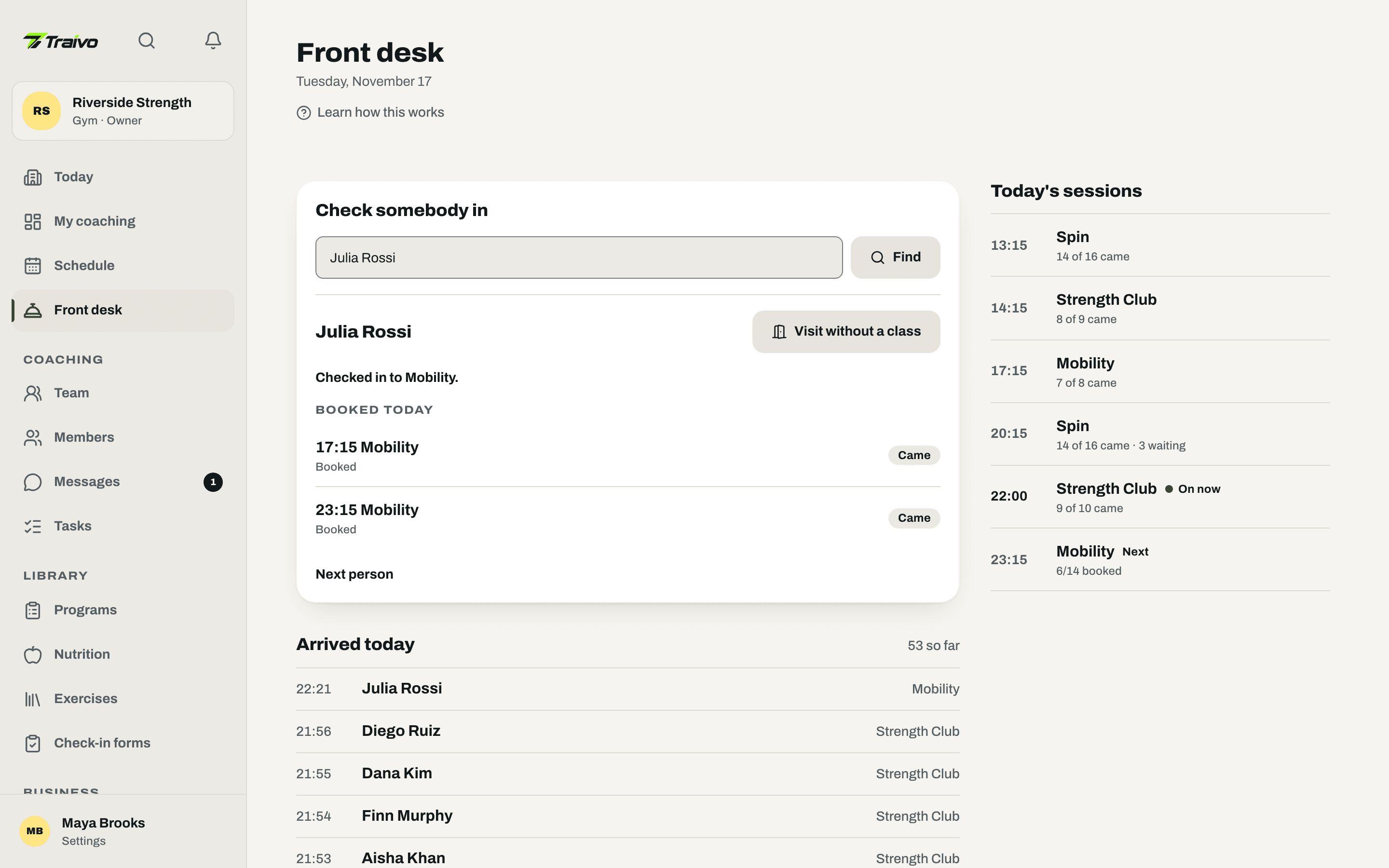
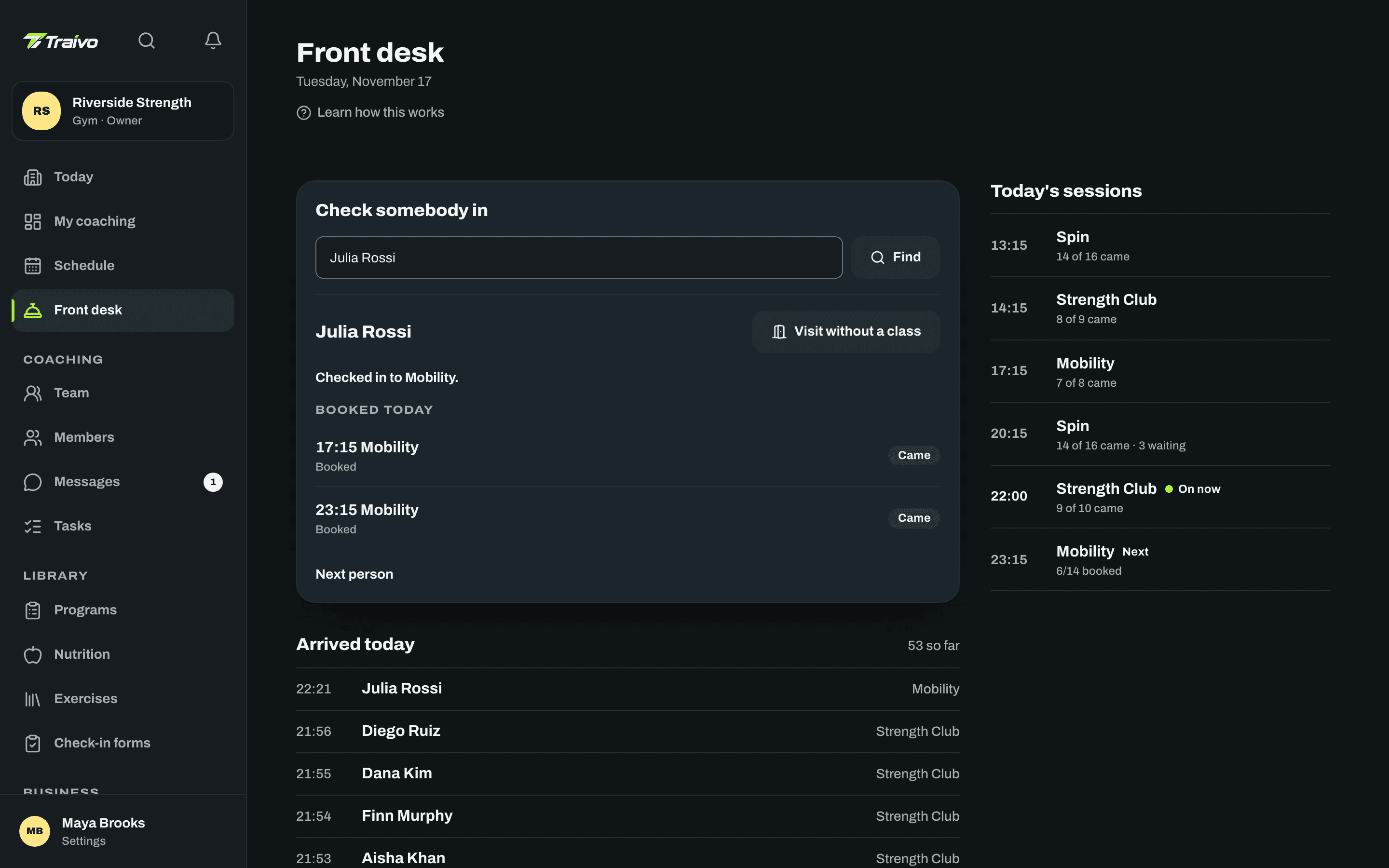
- A front desk and a check-in kiosk
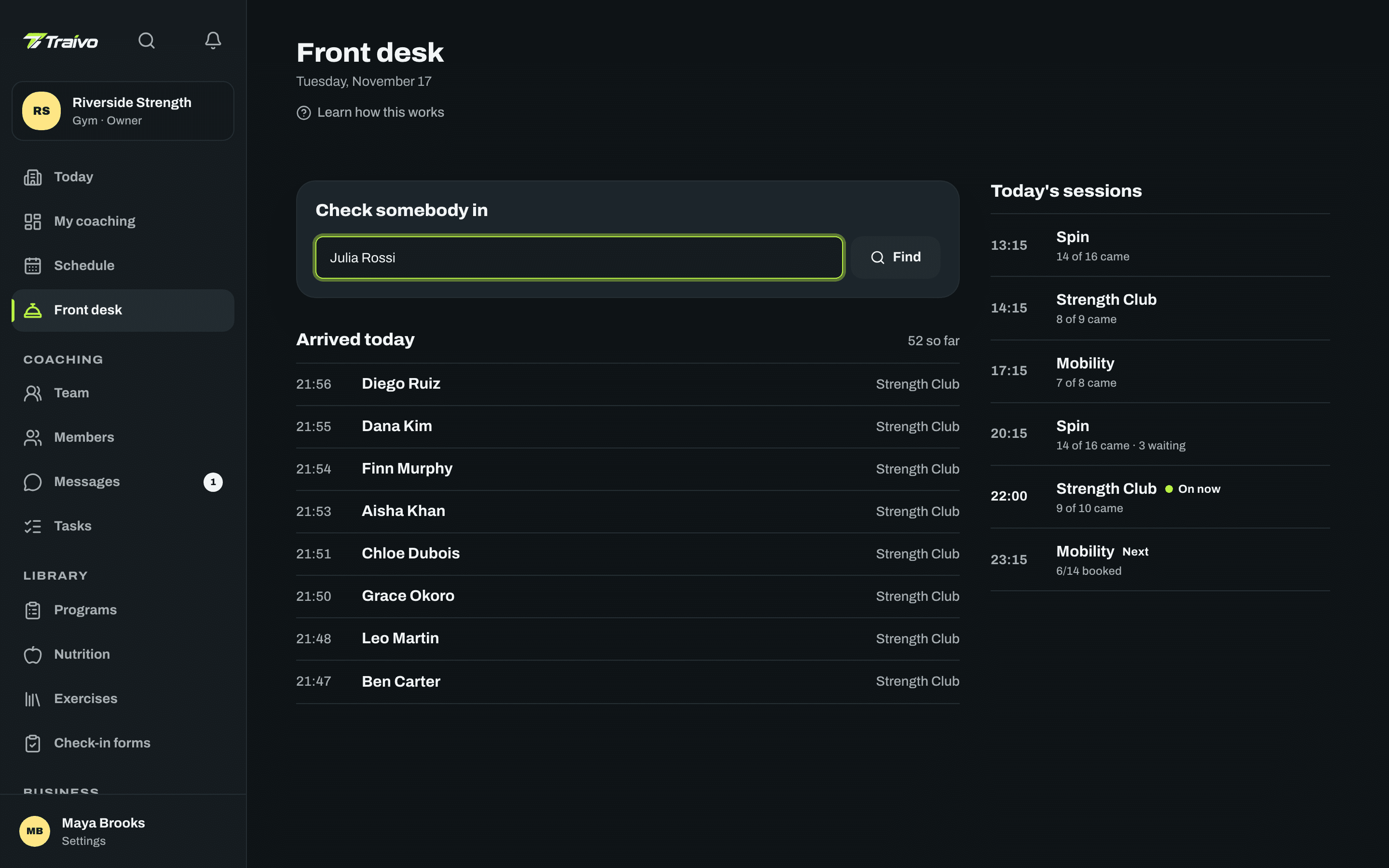
- Check people in at the desk, take a class register, or let members check themselves in on a tablet at the door. Bookings and attendance stay separate: who reserved a place, and who actually came.
- Agreements and waivers
- Ask members to accept your membership agreement or waiver, version by version, and require it before they book.
Keep your members
- Who needs attention, by name
- Members who have gone quiet against their own rhythm, new members who have not come in yet, and members who keep missing sessions - each with the reason and a next step, and a weekly review against the week before.
- Leads and trials
- Keep track of people who might join, follow up on time, give them a trial and see who joins.
- Messages to members
- Announcements to members and staff, a message to everyone booked into a class, and messages that go out on their own.
- Membership and package records
- What you sell, who is on it and when it ends, with visits counted against it when a membership includes a number of them. Payment status is recorded by your team: Traivo does not take or verify payments.
- Your records, in and out
- Bring members and leads in from a spreadsheet, with a dry run first, and download your gym’s records.
Roles that match the job
Every person in the workspace has a role, and every action is checked against it on the server and again in the database.
- Owner
- The whole workspace: settings, the library, memberships and what members paid, and the gym overview.
- Manager
- Runs the roster and the floor: client invitations, memberships and the library. Payment records stay with the owner.
- Trainer
- Their own clients, the shared library, and whether a client’s membership is active - not what anyone paid.
- A role never unlocks health data
- Seeing a member’s measurements, photos or health notes needs an active coaching relationship and the member’s consent. Owning the gym is not enough. See security.
Coach the floor
- Your team
- Invite managers and trainers by email from the Team page, and suspend or remove someone when you need to. Move a client to another coach, or hand over a departing trainer’s clients, without losing a session of history.
- A shared exercise and program library
- Write a program once and every trainer under your roof can assign it. A trainer can still adapt a copy for one client without touching the template. More on workout programming.
- The gym from above
- Who is coaching whom, each trainer’s workload and what is outstanding, busiest first - counts, never the contents of anyone’s health record.
- Reminders the gym chooses
- Check-in reminders, a nudge when a member goes quiet for the number of days you set, and a prompt when a check-in has waited too long for review. Each is a switch.
- Client history that stays
- Coaching relationships belong to the organization. When a relationship ends, the member’s history stays in your workspace, and the trainer’s access to their health information ends with it.
What changes for your trainers and members
For the coach
- A dashboard that opens on check-ins to review and members who have gone quiet. See client management.
- The gym’s library to start from, and their own programs on top of it.
- A session they can log for a member while coaching them on the floor.
For the client
- Their plan, food targets and coach in one app between sessions. See the client app.
- Booking classes, joining a waitlist and checking in, with their next class on their Today.
- Their membership, its status and what the gym recorded about payment, with the gym named as who to ask.
- Control over which health information their trainer can see.
What a gym cannot do in Traivo yet
- Take card payments or direct debits. Memberships and what was paid are recorded by your team.
- Show your own logo colours in the app. Your gym’s logo appears beside its name; the app’s colours are Traivo’s.
Questions
Is Traivo gym management software?
For the day-to-day, yes: the schedule, booking and waitlists, the front desk and check-in, memberships, leads and messages to members - with the coaching on the same system. It does not take payments; your team records them.
How is a gym workspace different from an independent coach’s?
A gym workspace has several roles - owner, manager and trainer - a library shared by every trainer, membership records and an overview of the whole team. An independent coach’s workspace is the same coaching tools for one person.
Can the gym owner see members’ health data?
No, not by being the owner. Health information is visible only to a coach who is actively coaching that member and only for the categories the member chose to share.
How much does Traivo cost a gym?
Nothing during early access: billing is not switched on, and gym access is free while it opens. Pricing for after early access has not been published. Your members never pay Traivo anything.
Does Traivo process membership payments?
No. Your team records what was paid and when, by hand. Traivo never charges, collects or verifies money for a gym and stores no card details.
How do we get started?
Request gym access and tell us how your gym coaches. We are onboarding gyms in stages and reply to each personally. You can also contact us first.
Keep reading
- For coachesRun your coaching in one place: programs, nutrition, check-ins, progress, messages, tasks and packages, with a professional profile and certification.
- CoachingA roster that shows who needs you, private notes, messaging beside the training, quiet-client alerts and sessions you can log at your client’s side.
- TrainingLog every set, track personal records and keep training offline - on your own, or on a multi-week program your coach writes with progression and substitutions.
- SecurityHow Traivo protects coaching and health data: workspace isolation in the database, consent-based access, private media, encryption in transit and audit logs.

We are onboarding gyms in stages. Tell us how your team coaches and we will reply personally.